Scientific Calculator1.2
Publisher Description

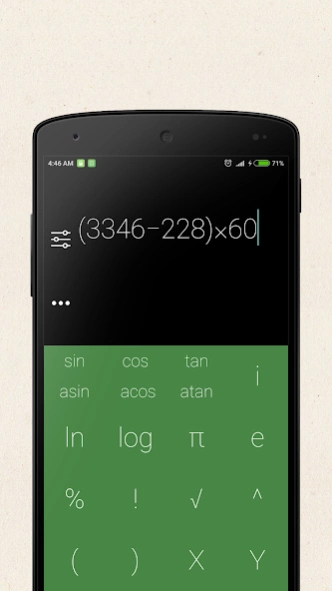
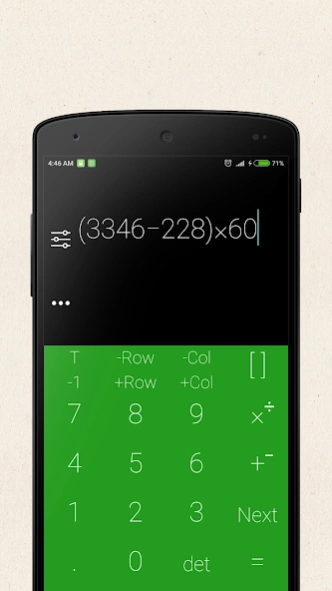
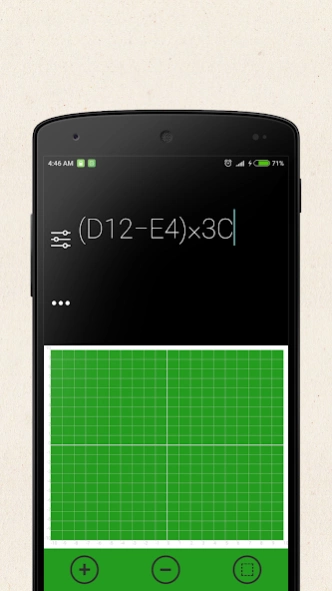
Scientific Calculator with material design and advanced functions.
Scientific Calculator is a powerful Android scientific calculator with a material look. It is one of the few Android calculators with complex number equations support. Features:
* Real equation view editor with brackets and operator priority support
* Component or polar complex entry/view mode
* Equation and result history
* 7 easy to use memories
* Large universal/physical/mathematical/chemical constant table
* Degrees, radians and grads mode for trigonometric functions
* Fixed, scientific and engineering view mode
* Easy to use with real look
* Perform mathematical operations for mathematical equations
* For engineering or graphical calculations
* Graphs
* Matrices
* All Basic Mathematical Operations
* Trigonometric operations
* Hyperbolic operations
* Logarithmic operations
* Complex number operations
* Matrix Operations
* 10 variables
* HEX,DEC,OCT,BIN operations
* Fractions Support
* Degree,Minute,Second Calculations
* Degrees, Radian, Gradient Support
* Solving Linear equations
Found bug? Please contact us to fix it.
About Scientific Calculator
The company that develops Scientific Calculator is Sarev Apps. The latest version released by its developer is 1.2.
To install Scientific Calculator on your Android device, just click the green Continue To App button above to start the installation process. The app is listed on our website since 2017-02-14 and was downloaded 40 times. We have already checked if the download link is safe, however for your own protection we recommend that you scan the downloaded app with your antivirus. Your antivirus may detect the Scientific Calculator as malware as malware if the download link to com.sapps.scientific.calculator is broken.
How to install Scientific Calculator on your Android device:
- Click on the Continue To App button on our website. This will redirect you to Google Play.
- Once the Scientific Calculator is shown in the Google Play listing of your Android device, you can start its download and installation. Tap on the Install button located below the search bar and to the right of the app icon.
- A pop-up window with the permissions required by Scientific Calculator will be shown. Click on Accept to continue the process.
- Scientific Calculator will be downloaded onto your device, displaying a progress. Once the download completes, the installation will start and you'll get a notification after the installation is finished.
Program Details
System requirements
Download information
Pricing
Version History
version 1.2
posted on 2017-02-14
Performance issues fixed
Graphic issues resolved on older devices
